Local containerized mail server and client
Reading time: 2 minDoes your app require sending and reading mails from the mail server and you don't want to rely on Gmail, Outlook or similar service? This blog post will focus on setting up fully containerized local mail server for sending and reading mails, browser based mail client and seeding mail users upon mail server container startup.
Docker compose setup #
This setup will use Greenmail as a mail server, Roundcube as a mail client and Postman for seeding the initial users when mail server container starts up.
docker-compose.yaml
services:
  greenmail:
    image: greenmail/standalone:latest
    # we can reference this container from other containers with mailserver.com
    # we will also use this as the domain for mail server
    hostname: mailserver.com
    environment:
      - JAVA_OPTS=-Dgreenmail.verbose
    ports:
      - "9025:3025" # SMTP
      - "9110:3110" # POP3
      - "9143:3143" # IMAP
      - "9465:3465" # SMTPS
      - "9993:3993" # IMAPS
      - "9995:3995" # POP3S
      - "9003:8080" # API

  postman:
    image: postman/newman:alpine
    command:
      # next step in the blog post will be generating this postman collection json file
      run GreenMail_Users.postman_collection.json -k
    volumes:
      # postman collection must be located in conf/postman folder, relative to the location of this docker compose file
      - ./conf/postman:/etc/newman
    restart: on-failure:10
    depends_on:
      - greenmail


  roundcubemail:
    image: roundcube/roundcubemail:latest
    volumes:
      - ./data/roundcube/www:/var/www/html
      - ./data/roundcube/db/sqlite:/var/roundcube/db
    ports:
      - "9002:80"
    environment:
      - ROUNDCUBEMAIL_DB_TYPE=sqlite
      - ROUNDCUBEMAIL_SKIN=elastic
      - ROUNDCUBEMAIL_DEFAULT_HOST=mailserver.com
      - ROUNDCUBEMAIL_SMTP_SERVER=mailserver.com
      - ROUNDCUBEMAIL_DEFAULT_PORT=3143 # containers in the same network don't see exposed ports, only the internal ports
      - ROUNDCUBEMAIL_SMTP_PORT=3025
Based on this docker compose file, the following will happen:
- greenmail will be started with web UI accessible from the host machine on http://localhost:9003
- postman collection will run POST requests for each user to http://mailserver.com:8080/api/user
- roundcube will be started with web UI accessible from the host machine on http://localhost:9002
- roundcube will use mailserver.com container as a mail server
Postman collection #
Create a postman collection consisting of POST requests for each user with the following configuration:
POST http://mailserver.com:8080/api/user
{
    "email": "[email protected]",
    "login": "roundcube-login-username",
    "password": "roundcube-login-password"
}
Export the collection to json file and place it in conf/postman folder, relative to docker compose file.
NOTE: #
Instead of postman, you could also write some basic bash script with curl commands that do the same thing, containerize that script and use it instead of postman container.
Final remark #
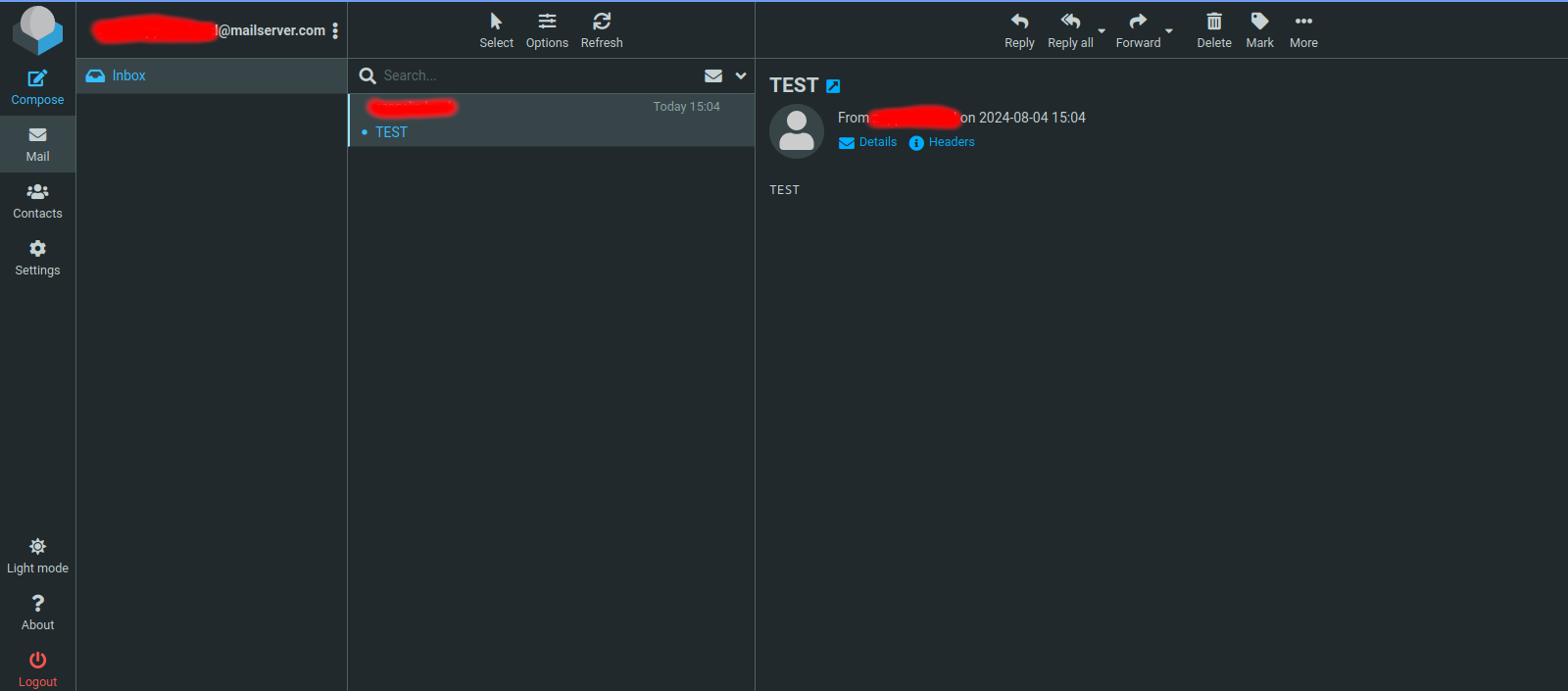
Execute docker compose up -d, navigate to http://localhost:9002 and login with one of the users you've created. Send a mail to the other user, then login with that user. This is the screen you should be greeted with (redacted due to using sensitive usernames):